NetixPCB
PCB design software — schematic to board, with AI that draws the schematic for you.


Design your schematic, route your board, and export your Gerber files — fast, in one Windows app. NetixPCB connects to AI assistants through the MCP protocol, so the AI can draw the schematic and create very complex symbols in about a minute. Setup is a single JSON configuration file.
Features
Schematic capture
Draw your schematic with symbol and footprint wizards that build complex parts for you.
PCB layout
Route your board with differential-pair routing and copper pours.
Gerber & drill export
Export Gerber and drill files, ready to send to your PCB manufacturer, with a BOM.
AI draws for you (MCP)
Connects to AI assistants through MCP. The AI draws the schematic and creates very complex symbols in about a minute.
Fast by design
Auto-complete routing in the schematic, guided wiring — a dashed guide appears when the wire aligns with the target pin, Ctrl+click completes it — and direct editing of components on the schematic.
Symbols that scale
Scale symbols up or down (×2 / ÷2) to keep your schematic readable.
For companies: NetixPCB is white-label ready — it can be published under your own brand, name and logo. Enquiries: mdboudout@gmail.com
Windows 10 version 19041.0 or higher · 277.4 MB · English · Published on the Microsoft Store, November 2026.
Gerber 2D/3D Viewer
View and inspect your PCB Gerber files in 2D and 3D.
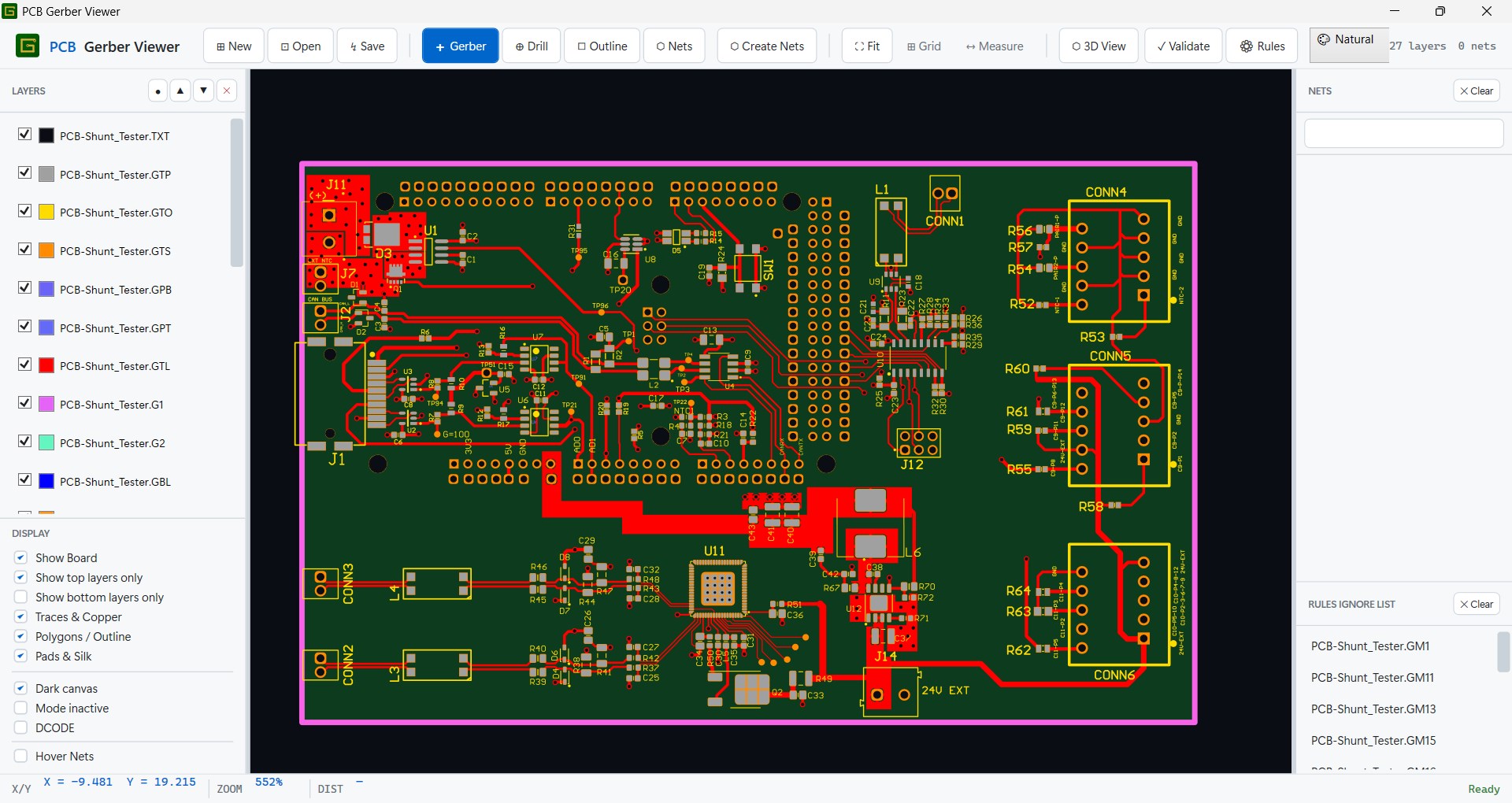
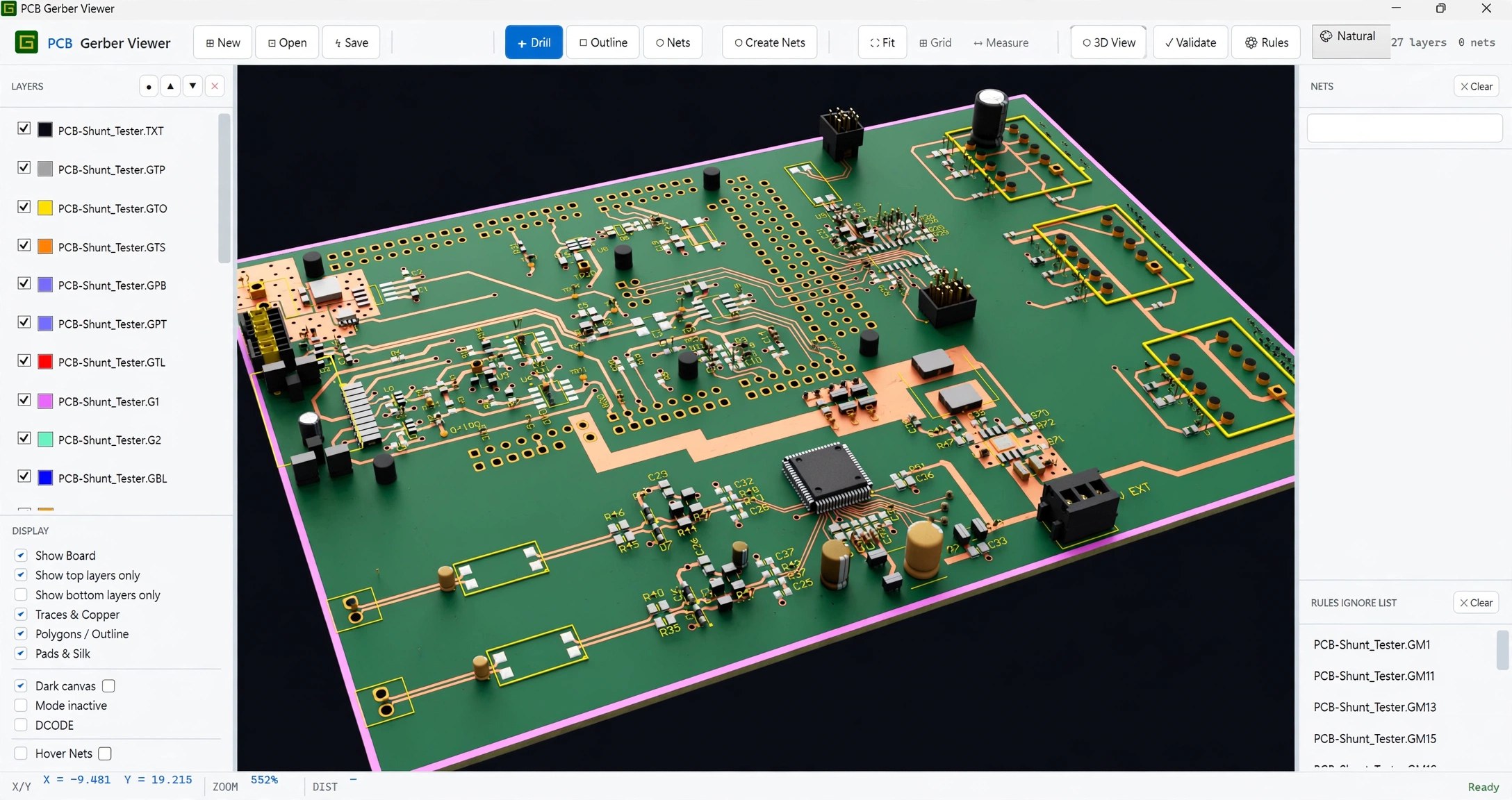
Open your Gerber files and inspect every detail of your PCB — in a flat 2D view, or as a 3D board you can turn and examine before you send anything to manufacturing.
Features
2D Gerber view
See your Gerber layers laid out flat, exactly as they will be manufactured.
3D board view
Turn the board in 3D and check how it looks as a finished PCB.
Inspect fine details
Zoom in on fine traces, pads and clearances before you order.
Standard Gerber files
Works with the Gerber files your PCB tools already produce.
Windows · 164.7 MB · Updated August 2026 · On the Microsoft Store.
pdfElectro
A PDF viewer and annotation tool made for electronics engineers.
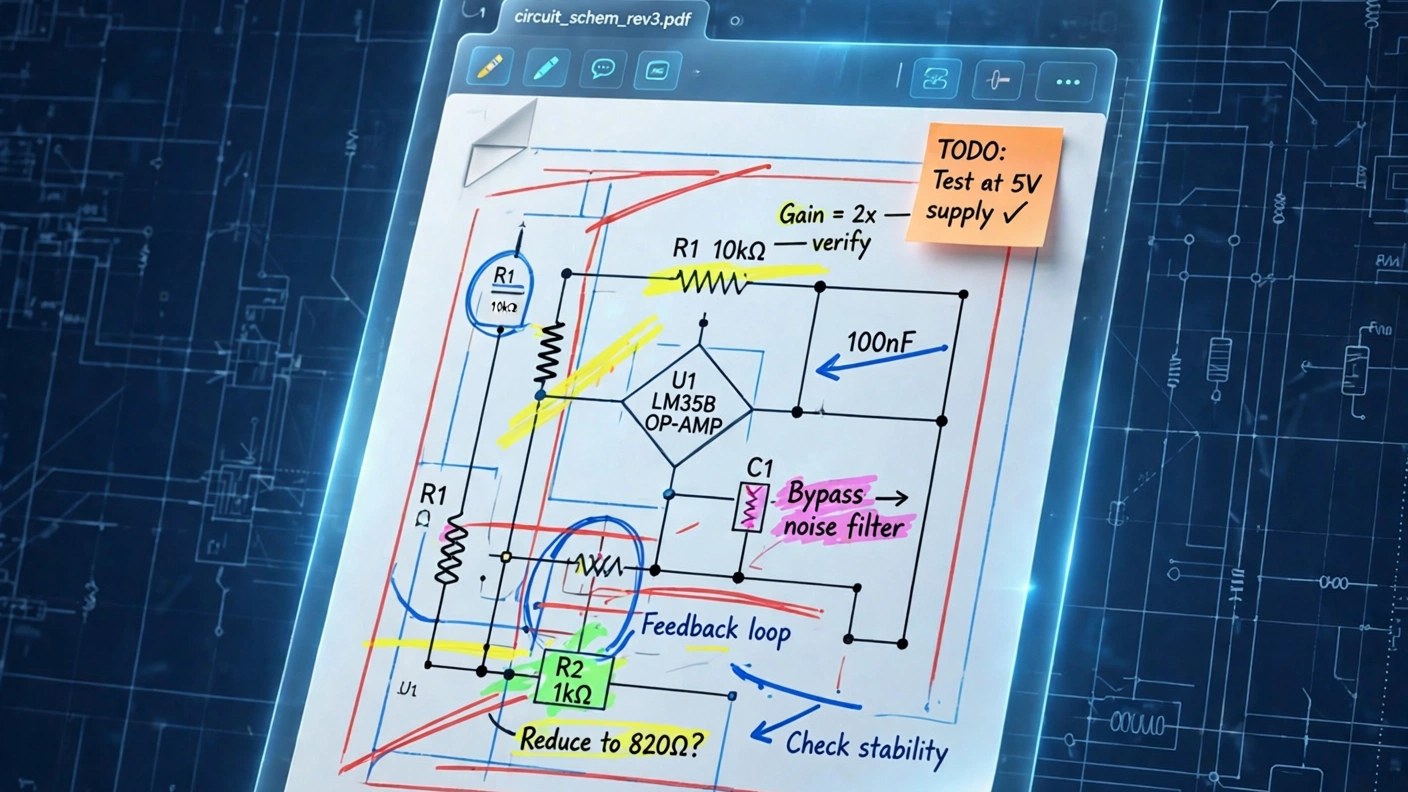
Read and mark up schematics and circuit diagrams in PDF — a viewer built for the way electronic and electrical engineers actually work with documents.
Features
PDF viewing for schematics
Open and read PDF schematics and datasheets, clearly and quickly.
Annotate diagrams
Mark up your circuit diagrams with notes and highlights.
Made for EE documents
Designed around electronic and electrical drawings, not generic paperwork.
Zoom into dense schematics
Read the smallest labels on crowded multi-page schematics.
Windows · On the Microsoft Store.
Serial Plotter
Turn serial data into live graphs — your Arduino board becomes an oscilloscope.
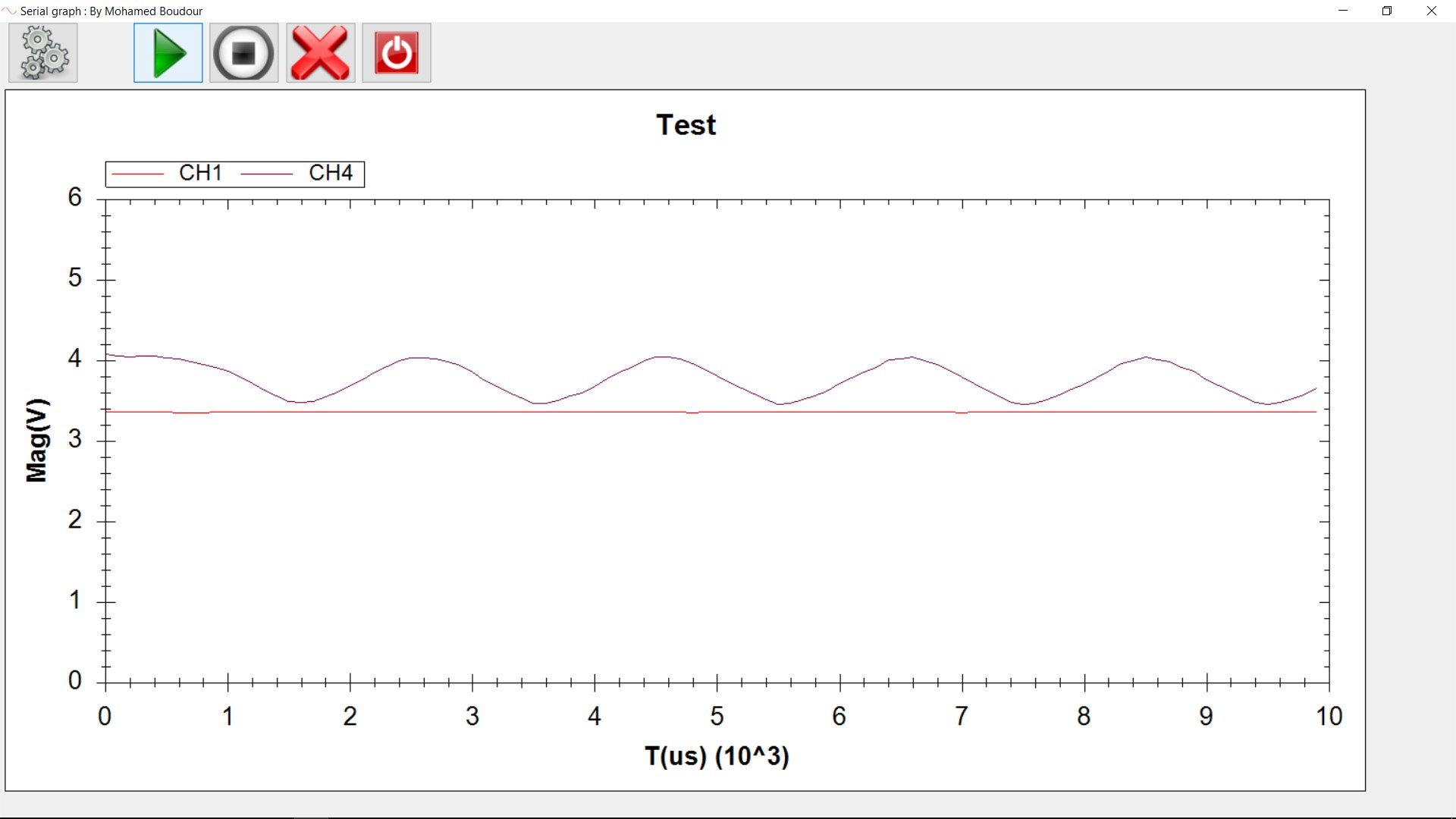
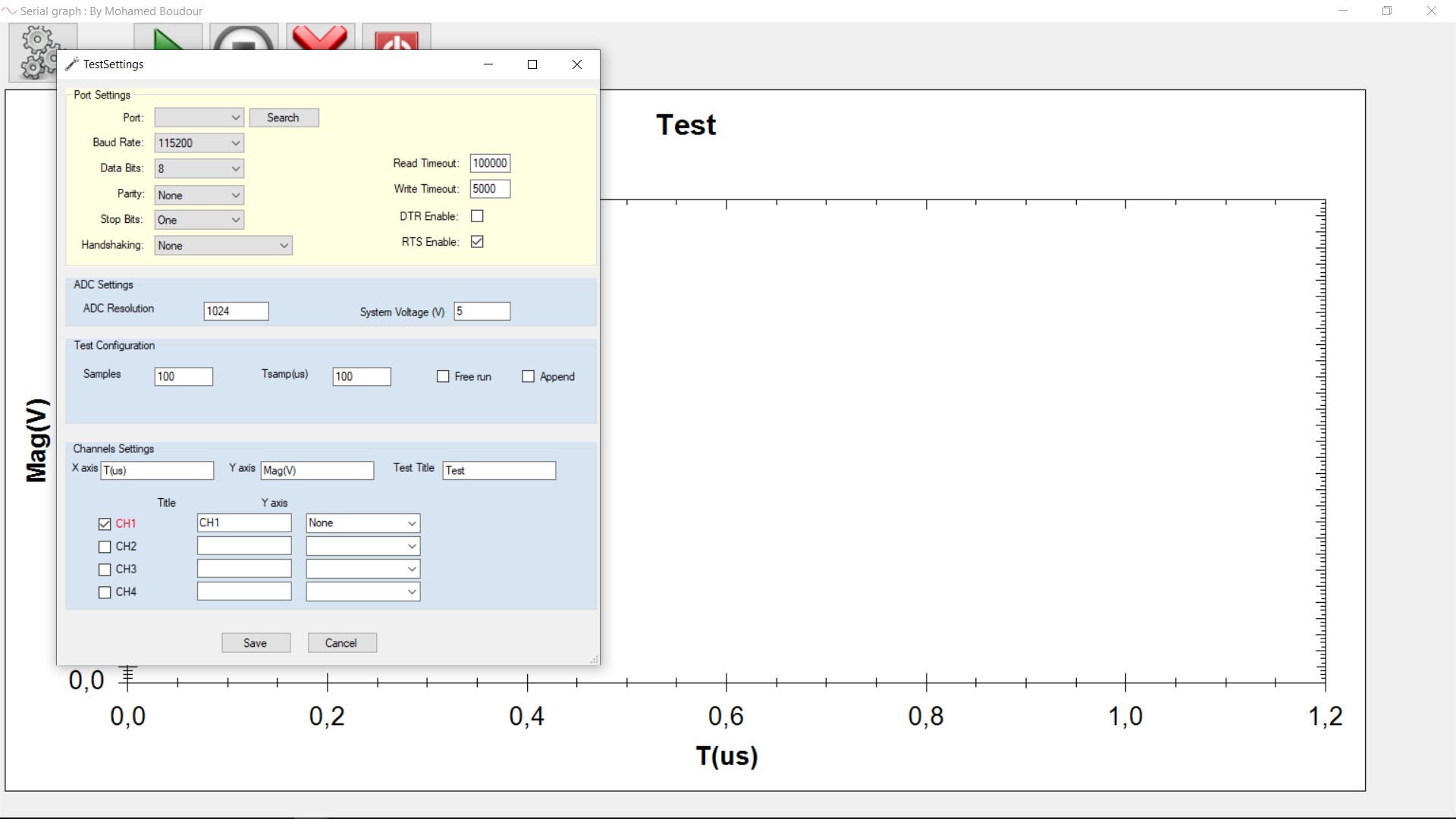
Plot the data coming from your serial port in real time. Connect your Arduino board and watch up to four channels at once, add comments to your recordings, and give every plot its own unit — volts, milliamps, amps, whatever you measure.
Features
Up to 4 live channels
Plot four signals at the same time, each with its own colour and scale.
Comments saved in the file
Add comments to your recordings — they are saved with the data, so your notes stay with your measurements.
A unit per plot
Assign a unit to each plot: V, mV, A, and more.
Full serial port control
Baud rate, data bits, parity, stop bits, handshaking — plus ADC resolution and system voltage.
Arduino as oscilloscope
Connect your Arduino board and use it as a simple oscilloscope.
Many plots possible
Run as many plots as your test needs.
Version 1.0.5.0 · Windows · On the Microsoft Store.
fileVaultOrganizer
FileVault — the intelligent file organizer.

FileVault organizes your files for you, so you can find what you need without digging through folders.
Features
Intelligent organization
FileVault sorts your files sensibly, without you doing it by hand.
Find files fast
Your files end up where you expect them — so you stop hunting and start working.
Simple by design
One job, done well: keep your files organised, simply.
Windows · 195.6 MB · Released August 2026 · On the Microsoft Store.
EngiDoc
Live engineering calculations in a document — Mathcad-style, offline and free.
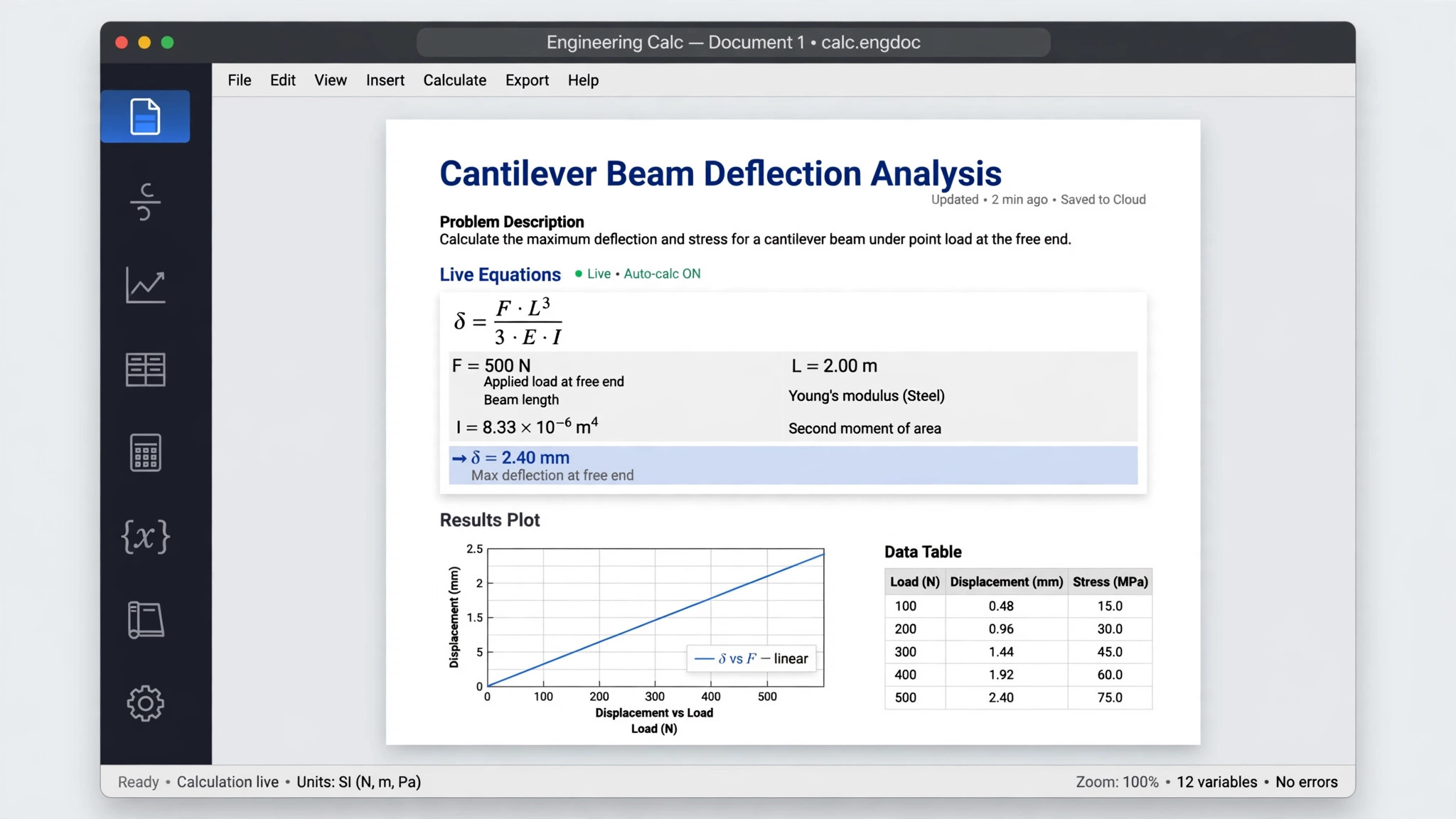
Write engineering documents where the math is alive: change a value and every result, plot and table updates. Math, units, symbolic algebra, 2D plots and tables — in one structured document. No account, no cloud: everything runs offline on your machine.
Features
Live calculations
Change an input and every result in the document updates at once.
Math with units
Work with real units and symbolic algebra, not just plain numbers.
2D plots and tables
Plot your results and lay out your data in tables, right in the document.
Export to Word and PDF
Share your finished document as a Word file or a PDF.
Fully offline
Your work stays on your machine — no account, no cloud, no subscription.
Free
Mathcad-style calculation documents, free for Windows.
Windows · About 171 MB · Released March 2026 · On the Microsoft Store.